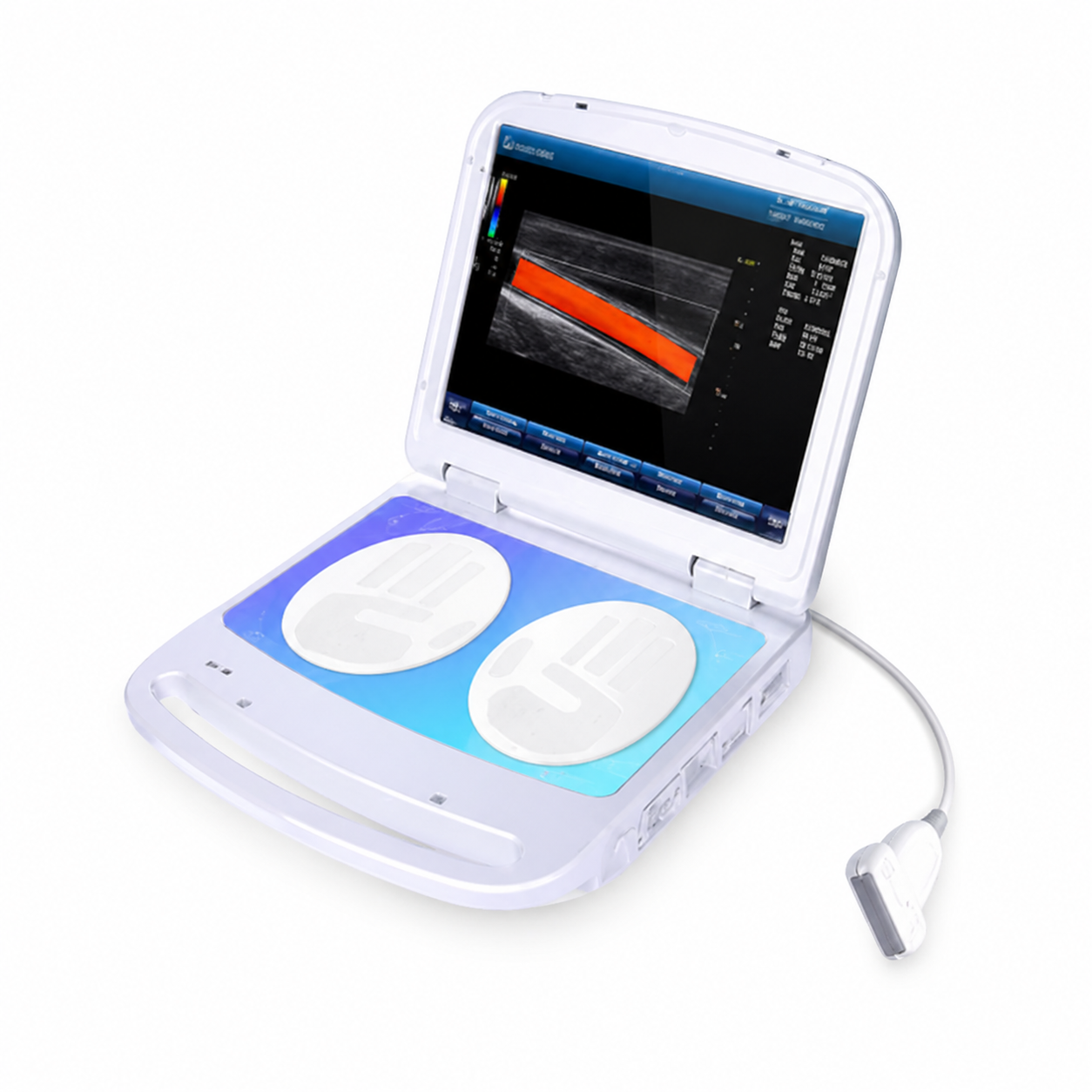
Product Functions
Intelligent Examination Workflow
1. Automated health-screening workflow.
2. Automatic collection and analysis of examination data.
3. Automatic generation of health-assessment results and guidance information.
4. Automatic highlighting of items that may require further attention.
Multi-Parameter Health Assessment
The system evaluates multiple health-related parameters and provides a multi-dimensional reference for understanding overall health conditions.
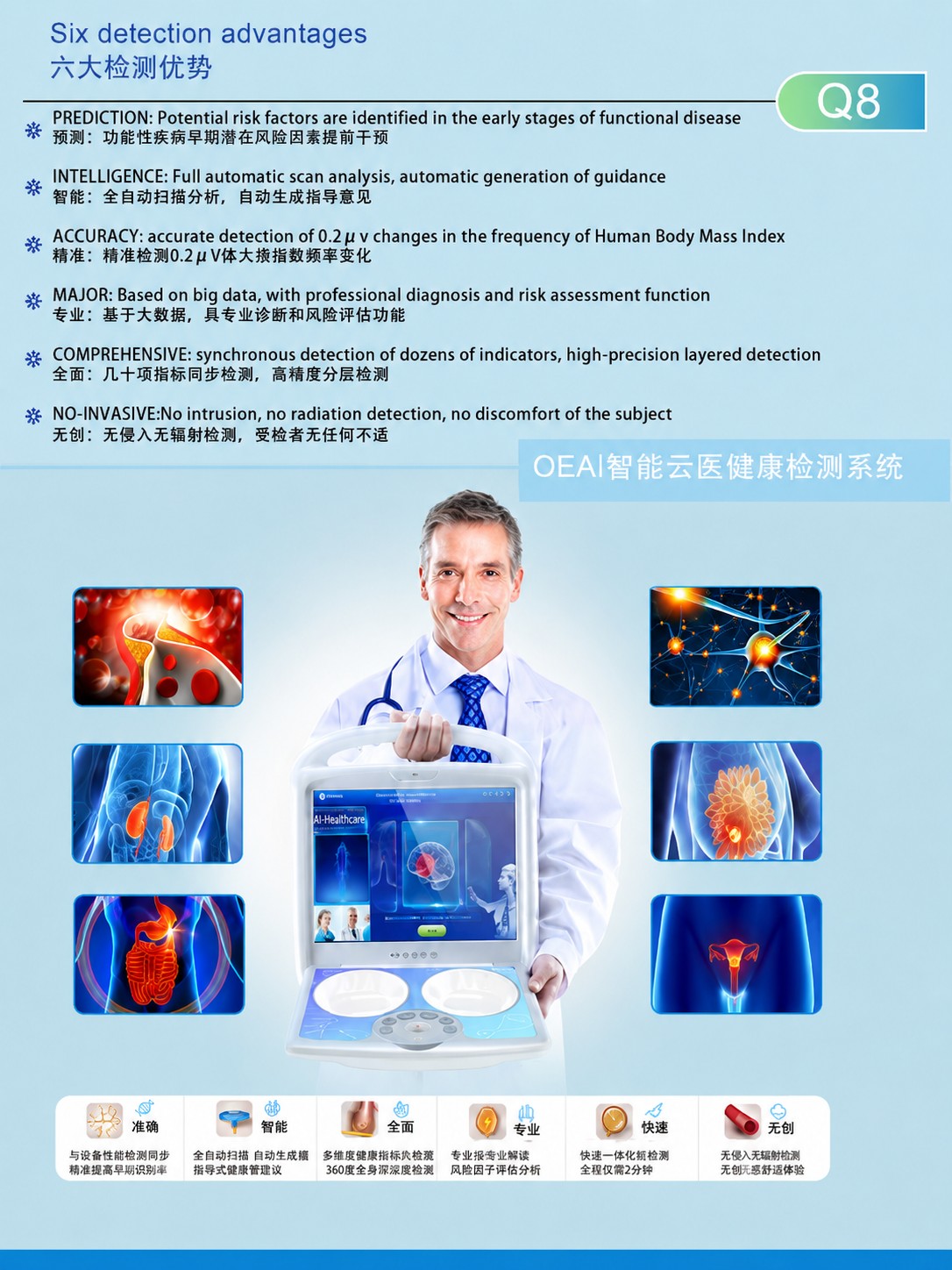
Six Main Advantages
1. Prediction: Helps identify potential health risks that may require further examination.
2. Intelligence: Automatically performs data analysis and generates guidance information.
3. Accuracy: The supplied materials state that the system can identify subtle data changes.
Final specifications should be confirmed by the official technical documents.
4. Professional Assessment: Provides health-risk assessment references based on data analysis.
5. Comprehensive Analysis: Supports simultaneous multi-parameter and layered assessment.
6. Non-Invasive Process: No invasive procedure is required.
Report Functions
1. Automatic generation of comprehensive health reports.
2. User-profile information entry.
3. Assessment-result inquiry.
4. Automatic selection and highlighting of risk items.
5. Report viewing and health-management reference.
Application Scenarios
1. Health-management centers.
2. Physical examination facilities.
3. Wellness and rehabilitation institutions.
4. Corporate health-management programs.
5. Community health-screening programs.
6. Personal health management.
Important Notice
The system is intended for health screening, wellness management and risk-assessment reference.
It does not replace clinical examinations, medical diagnosis or treatment.
Product Name: Q8 AI Health Screening System
Product Overview
Q8 is an intelligent assessment system designed for health screening and wellness-management applications.
It collects relevant data through an automated examination process and uses software to perform comprehensive analysis and report generation.
Main Functions
1. Automated health screening.
2. Multi-parameter analysis.
3. Health-risk highlighting.
4. Comprehensive report generation.
5. User health-profile management.
6. Assessment-result inquiry.
7. Automatic highlighting of risk items.
8. Health-management guidance reference.
Main Features
1. Automated operating workflow.
2. Non-invasive examination process.
3. Comprehensive multi-parameter assessment.
4. Automatic analysis-report generation.
5. Health-profile management.
6. Suitable for multiple health-management scenarios.
Intended Use Notice
The system is intended for health screening, wellness management and risk-assessment reference.
It is not intended to provide medical diagnosis, treatment or medication guidance.
Basic Operating Procedure
Step 1: Prepare the System
1. Place the device on a stable and dry surface.
2. Check the power supply and connection status.
3. Start the Q8 system and open the examination software.
Step 2: Enter User Information
1. Enter the user's name, age, sex and other profile information.
2. Verify the information and create or select the user profile.
Step 3: Perform the Intelligent Assessment
1. Ask the user to sit comfortably in front of the device.
2. Place both hands on the designated sensing areas.
3. Remain relaxed and minimize movement.
4. Start the examination program.
5. Wait for the system to complete data collection and automatic analysis.
Step 4: Review the Health Report
1. Review the comprehensive health-assessment results.
2. Check the items highlighted by the system.
3. Save, print or export the report.
4. Use the report as a reference for health management or further medical examination.
Precautions
1. The user should remain calm and relaxed before the assessment.
2. Avoid testing immediately after intense exercise, alcohol consumption or significant emotional stress.
3. Keep both hands stable during the examination.
4. The results are intended for health-screening reference only.
5. Users with abnormal results or significant discomfort should seek medical examination.
6. Actual operating procedures depend on the official user manual and software version.
Q8 Health Assessment Interface and Reports
The page may display:
1. User-profile entry interface.
2. Intelligent health-screening interface.
3. Multi-system health-assessment interface.
4. Health-risk highlighting interface.
5. Comprehensive health report.
6. Health-management guidance page.
The displayed content is intended only to demonstrate the software functions and report format.
It does not represent a medical diagnosis.